 Snap
SnapFree, no limits — nothing uploads
Image Size Checker — Dimensions & File Size
This image size checker reads any photo you drop on the page and shows pixel dimensions, file size, format, aspect ratio, and estimated DPI when EXIF stores resolution — all locally, with no account.
Updated October 2026
How the image size checker works
The image size checker decodes one file at a time in your browser tab and prints the stats below the drop zone.
When you need paper sizes, open the print size calculator — the checker can pass your pixel width and height through the link.
Pixels vs file size
Pixel dimensions describe how many dots make up the image; file size describes how efficiently those dots are stored.
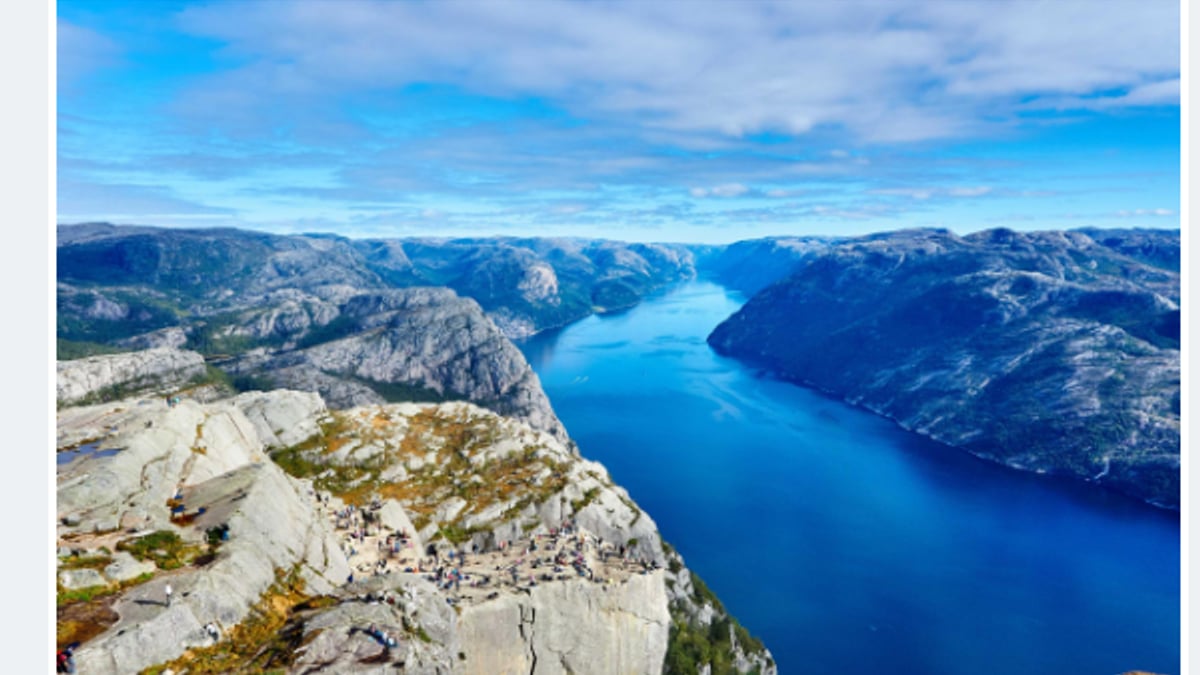
A 4000×3000 PNG can weigh several megabytes while a 4000×3000 JPEG might land under a megabyte because JPEG throws away imperceptible detail. That is why the image size checker always shows both numbers side by side. For delivery tuning after you inspect a file, use the compress image online tool — still with zero upload.
Responsive layout guidance from Google’s responsive images guide on web.dev explains why width in pixels matters for sharp heroes, and Can I Use WebP helps you decide when modern formats are safe for your audience.
Quick reference dimensions
These common targets help you interpret checker results without hunting through platform docs.
| Use case | Typical pixels |
|---|---|
| Open Graph / social share | 1200 × 630 |
| Instagram portrait feed | 1080 × 1350 |
| YouTube thumbnail | 1280 × 720 |
| X / Twitter card | 1200 × 675 |
| Favicon | 32 × 32 |
| Apple touch icon | 180 × 180 |
Also an image resolution checker
This image size checker is also an image resolution checker: drop a file and SnapShrink reports pixel width, height, and megapixels so you know the resolution before you compress or print.
Pixel count and file size are not a sharpness score and not an AI quality score — a soft phone photo can still measure twelve megapixels. Use the numbers for layout and print targets, then judge sharpness with your eyes.
When dimensions are enough
Web heroes usually want at least 1200 pixels on the long edge so the photo stays crisp on retina laptops.
Physical prints depend on DPI. An 8×10 inch print at 300 DPI expects roughly 2400×3000 pixels. The checker’s verdict summarizes those two ideas so you do not have to memorize the math.
Choosing between WebP and PNG for the web? The WebP vs PNG guide walks through format trade-offs after you know your pixel and file sizes.
Frequently asked questions
What does an image size checker show?
SnapShrink’s image size checker reports pixel width and height, file size in KB or MB, detected format, aspect ratio, and estimated DPI when JPEG EXIF includes resolution tags. The tool never uploads the file.
Is the image size checker really free?
Yes. The image size checker has no session limit and no paywall counter because the page only reads metadata locally. Drop as many files as you want while the tab stays open.
Do my images upload when I check dimensions?
No. The image size checker uses the File API and decode APIs inside your browser. Open DevTools → Network while you inspect a photo and you will see zero upload requests.
How is pixel size different from file size?
Pixel size is width times height in the bitmap. File size is how many bytes the encoded file occupies on disk. Compression, format, and metadata change file size without changing pixel dimensions.
Can I check if a photo is big enough to print?
The checker flags common web and 8×10 print targets, then links to the print size calculator with your pixel dimensions prefilled so you can try 72, 150, 300, or 600 DPI.
What is a megapixel?
A megapixel is one million pixels. Divide width times height by 1,000,000 to get megapixels — for example, 4000×3000 is 12.0 megapixels. Megapixels measure count, not how sharp the photo looks.
Need smaller files after you inspect?
Compress in the browser when you are ready — separate from this read-only checker.